
Streacom DA6 and DA6 XL Premium Vertical Open Frame Case
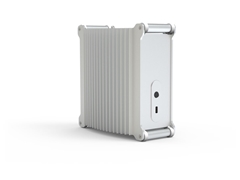
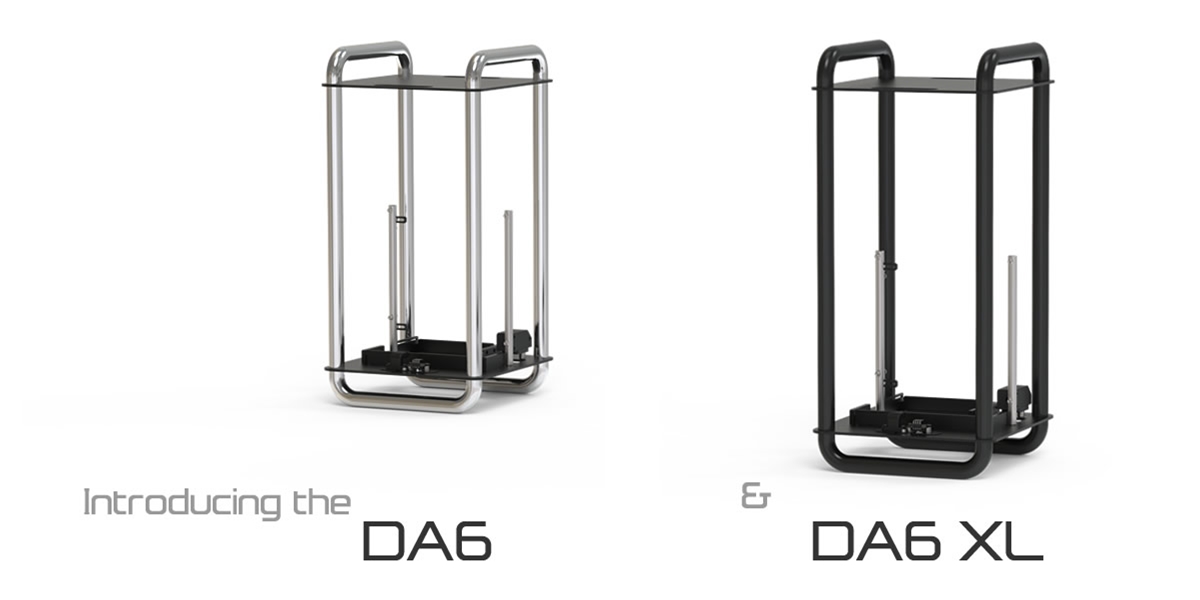
Streacom DA6 and DA6 XL. A vertical open frame small form factor (SFF) case with a unique take on construction and design. Showcase your components in a premium performance mini-ITX case. Tubular design, unrestricted airflow, virtually unlimited cooler space, and able to support even the largest GPUs with the DA6 XL
Now in stock!
Shop the Streacom DA6 case line FROM $139.00
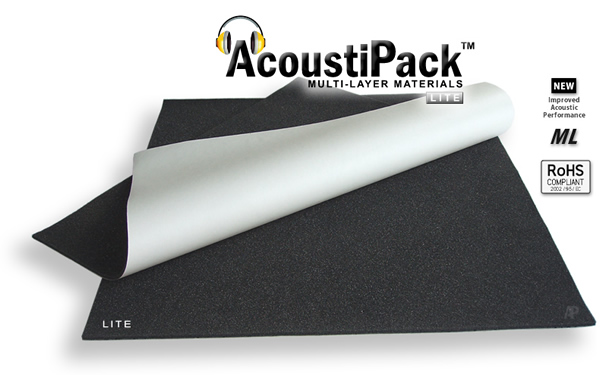
Quiet your PC using the best computer case acoustic insulation materials available - AcoustiPack™ Soundproofing.
AcoustiPack™ PC and Server Acoustic Soundproofing Material Kits are the perfect solution to quiet your PC enclosure at home or in the office. High quality special soundproof acoustic barrier and acoustic foam lining materials. Excellent choice for multimedia and audio PCs for the highest level of noise reduction and sound dampening.
Manufactured in the USA
ACOUSTIPACK™ Sheets FROM $21.95

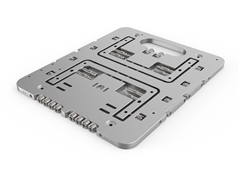
- Streacom BC1 V2 Open Benchtable - NEW!
- Streacom DB1 Fanless Chassis
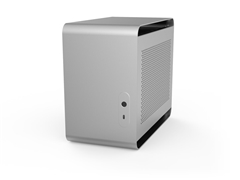
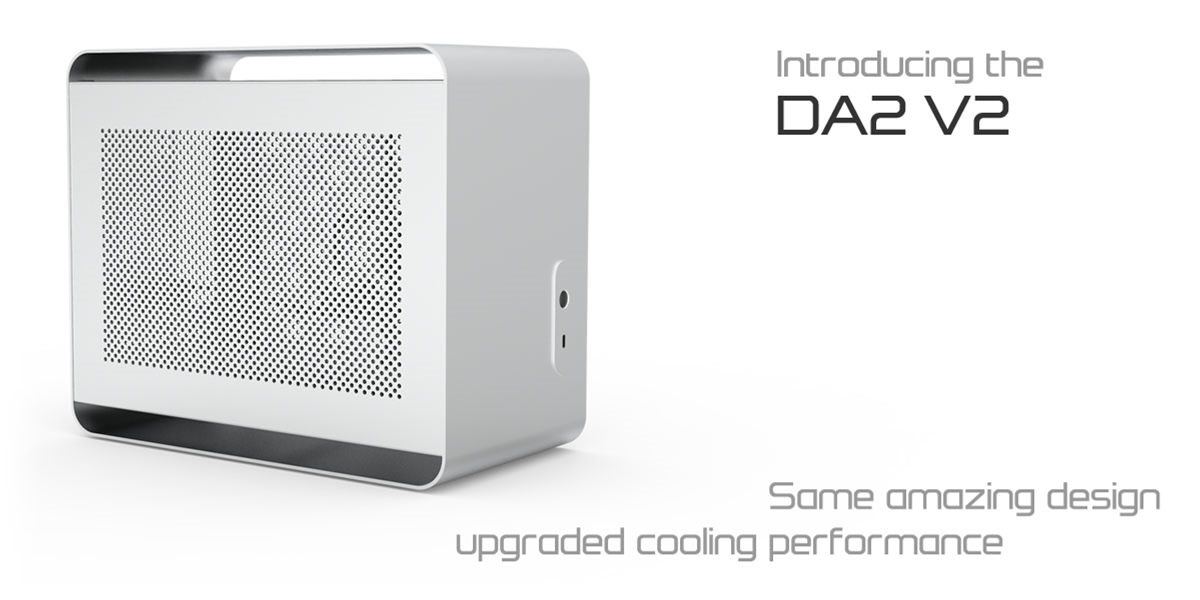
- Streacom DA2 V2 ITX Aluminum Case
- Streacom BC1.1 Open Benchtable
- Streacom DB4 Fanless Chassis
- Streacom F1C EVO Mini ITX HTPC Chassis
- Streacom FC5 ALPHA HTPC Case
- Streacom FC8 ALPHA HTPC Case
- Streacom FC9 ALPHA HTPC Case
- Streacom FC10 ALPHA HTPC Case
- Streacom Accessories
Streacom HTPC Cases FROM $110.00
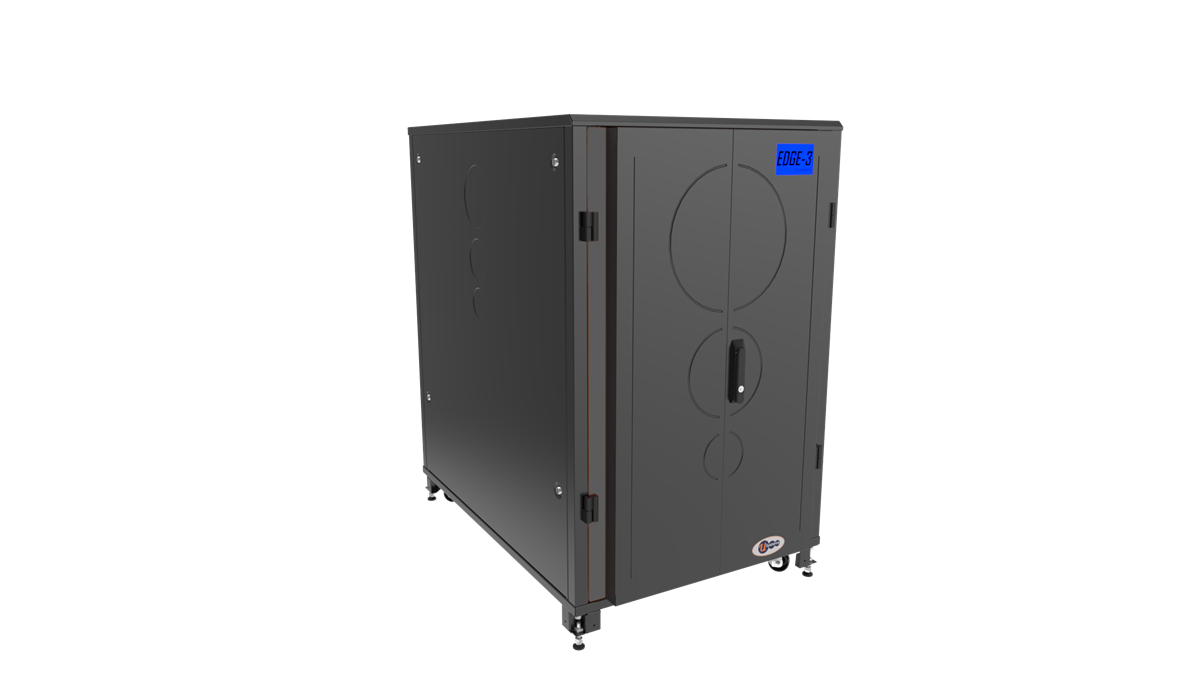
Ucoustic EDGE 3 Rackmount Cabinets
This premium range of quiet rack enclosures provides the ultimate combination of noise reduction and air cooled thermal performance. The EDGE 3 range is a viable alternative to a costly dedicated comms room, by allowing the deployment of servers and network equipment directly in the office environment.
The combination of record breaking noise attenuation and thermal dissipation performance ensures the UCoustic™ family is a world class leader in its field. Rackmount cabinet sizes available are 15U, 24U and 42U.
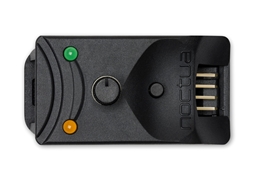
Noctua Quiet CPU Coolers and Fans
Noctua’s premium cooling components are internationally renowned for their superb quietness, exceptional performance and unparalleled quality. Noctua's product line includes a broad range of CPU coolers and cooling fans for PC cooling and industrial applications.

Quiet PC USA stocks quiet computer hardware upgrades for home, business, research, and educational facilities! The hardware listed on this site is ideal for multimedia computers used to play CD's, watch DVD movies, home entertainment and gaming systems, television, music, audio and video production, theaters, recording studios, radio stations, ham radio operators, customer service applications, word processing, programming, design work, for computers left on for long periods of time, schools, reception areas and retail establishments ... anywhere you need a Quiet PC!